
Sandbox Training Mode & Testnet Practice
Train newly hired cashiers, practice checkout flows, and test thermal printer operations risk-free on testnet before handling live customer funds.
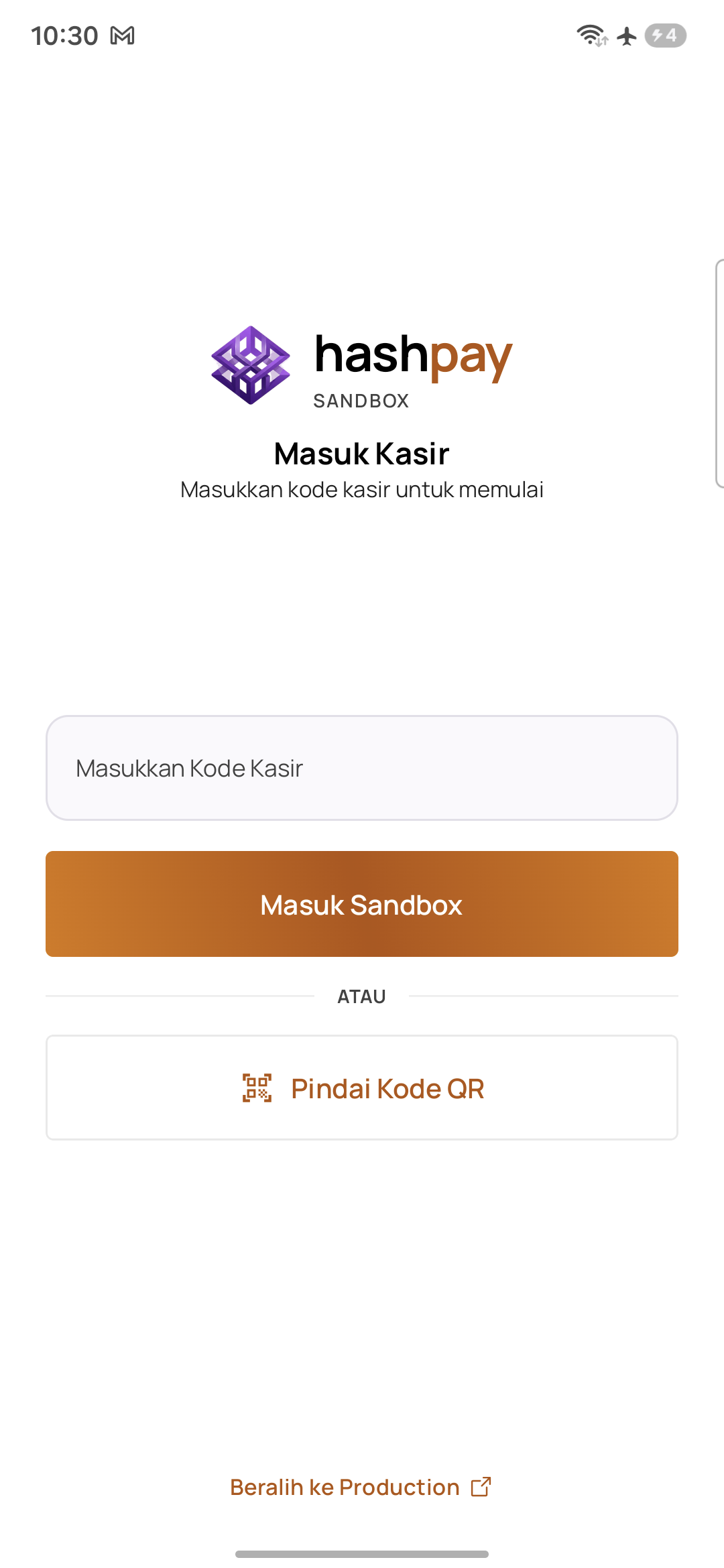
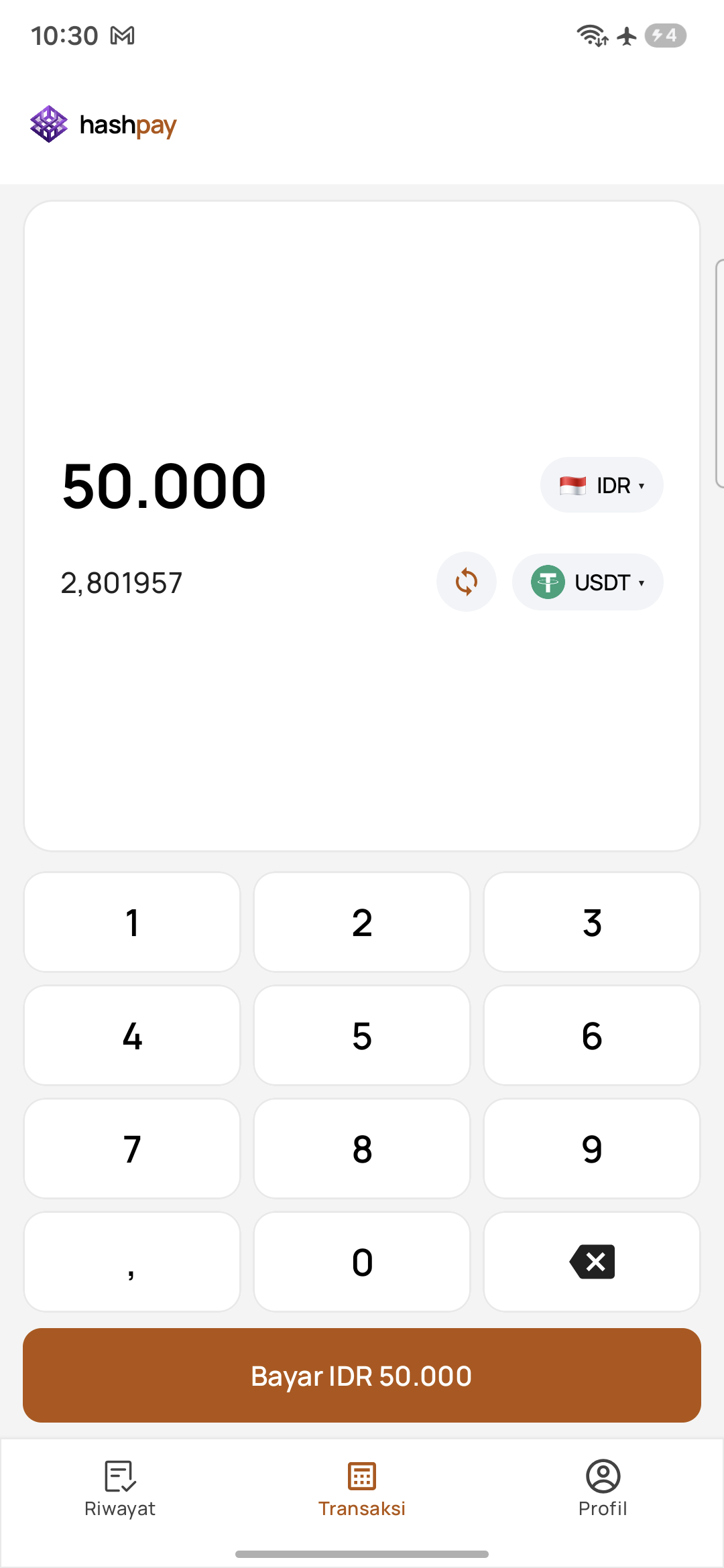
Why practice in Sandbox mode?
Operating a crypto payment terminal in a fast-paced retail counter can intimidate new staff. Sandbox mode provides a risk-free training simulator that mirrors production 1:1:
- Zero Financial Risk — Transactions use free testnet tokens with zero real-world value.
- Staff Confidence — New cashiers can practice inputting bills, swapping currencies, choosing networks, and handling customer questions without fear of mistakes.
- Hardware & Printer Testing — Verify thermal printer drivers, paper alignment, and receipt formatting before opening the retail store.
Visual differences in Sandbox mode
To ensure cashiers never mistake training mode for live store sales, Sandbox features unambiguous visual safeguards:
| Visual Indicator | Production (Live) | Sandbox (Training) |
|---|---|---|
| Header Accent Color | Brand Purple | Bright Orange |
| Environment Badge | PRODUCTION | SANDBOX |
| Pairing Codes | Generated from Live dashboard tab | Generated from Sandbox dashboard tab |
| Blockchain Networks | Mainnets (BNB Chain, Tron, Ethereum, Solana) | Testnets (Ethereum Sepolia, BSC Testnet) |
Testnet token checkout & profile
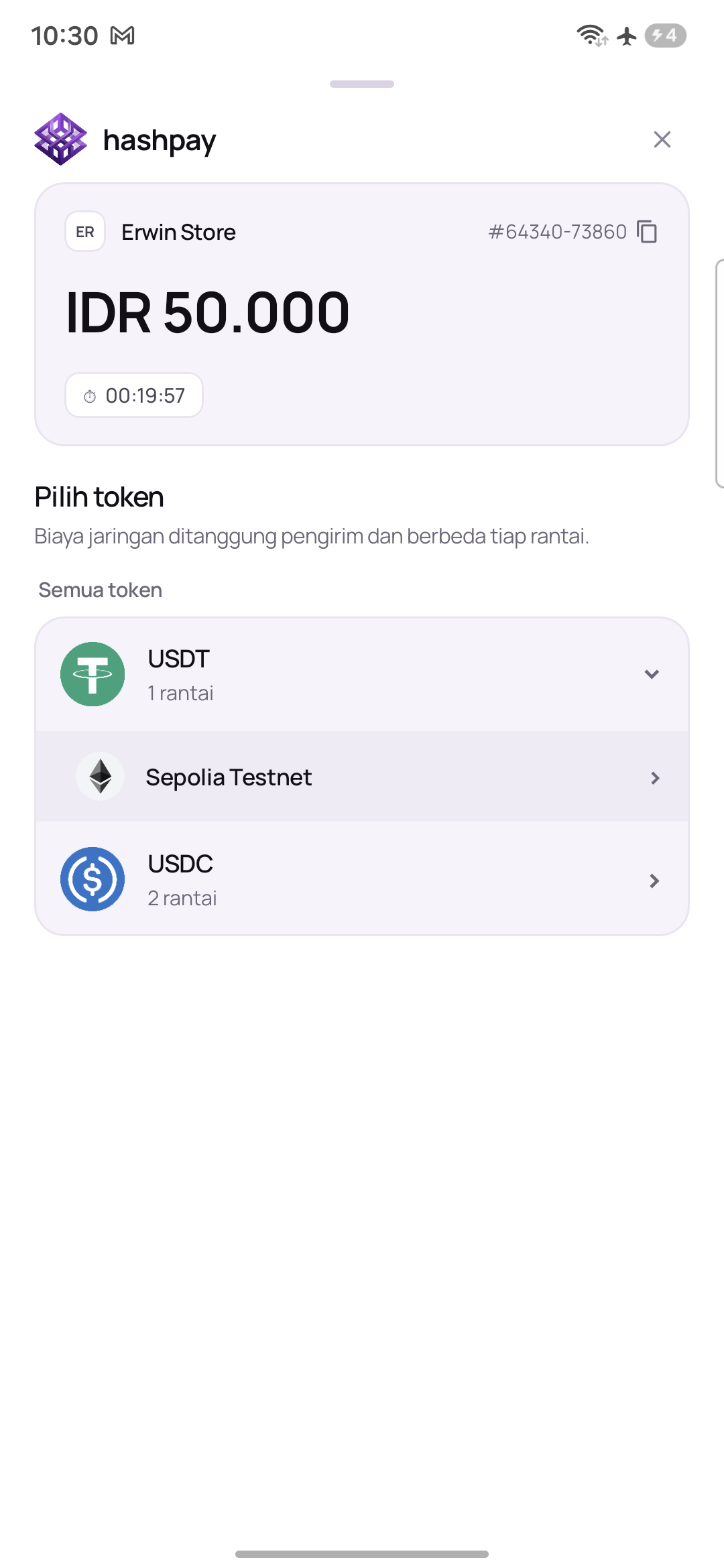
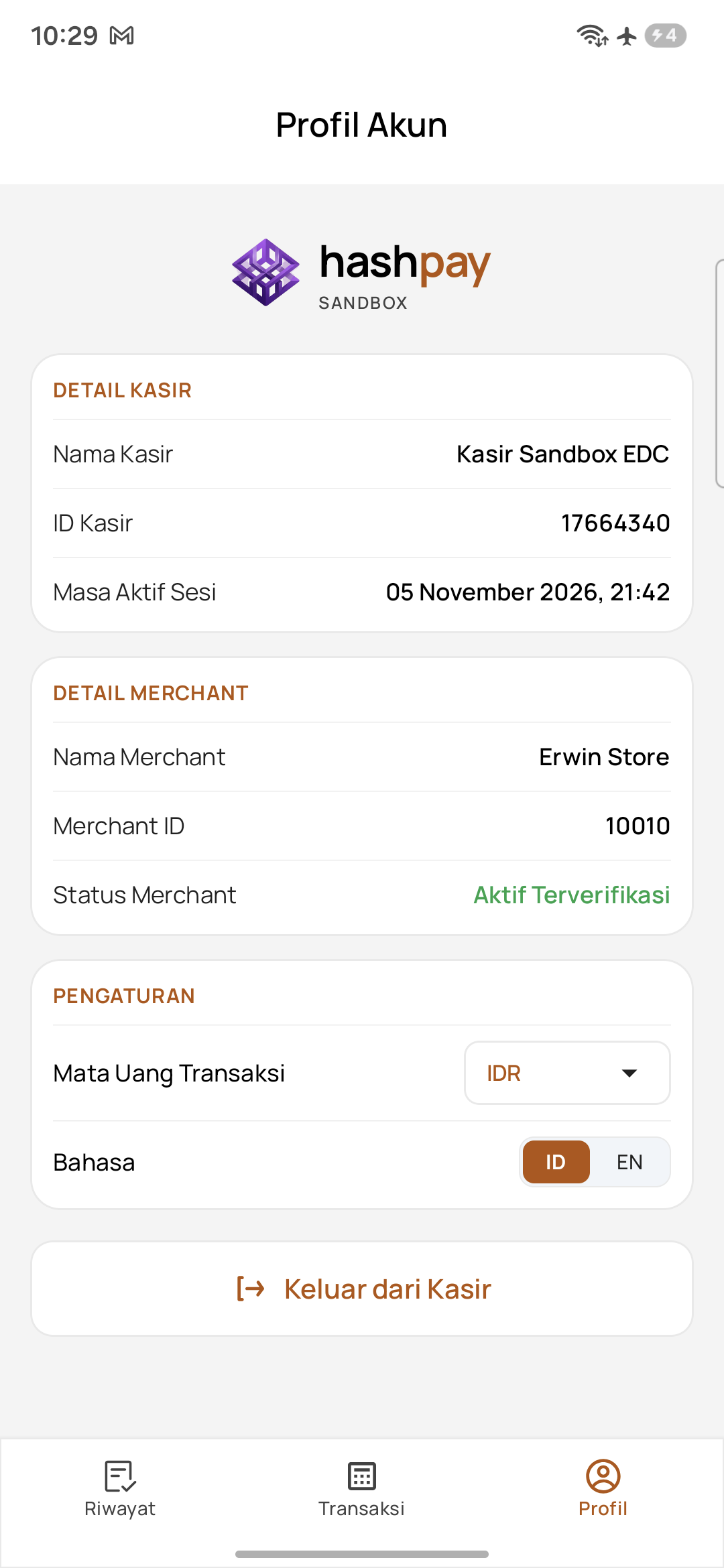
Sandbox checkout uses official blockchain testnets (Ethereum Sepolia and BSC Testnet). All transactions are recorded in an isolated database sandbox and never contaminate your company's real sales books.
Switching back to Production mode
When training is complete, tap Keluar dari Kasir from the Profile tab. On the login screen, tap the small link 'Beralih ke Production' at the bottom. The header immediately turns purple, ready for live customer billing.