
Account Setup & Onboarding
Complete your commercial profile and establish operational credentials when invited to Hashpay by your enterprise administrator.
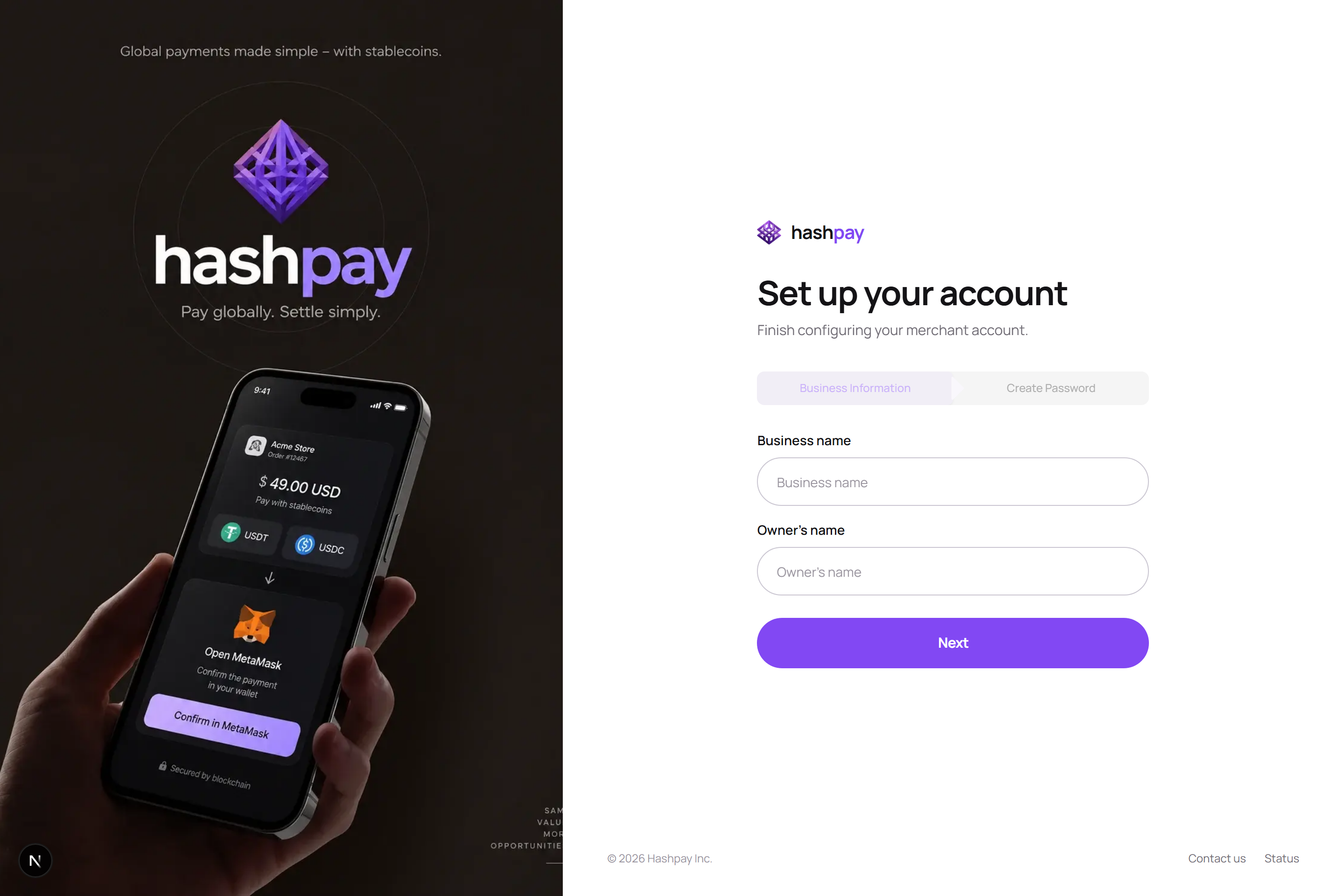
Who uses the account setup page?
This specialized onboarding flow is designed for corporate branch managers, franchise operators, or subsidiary store supervisors who are invited by a master company administrator. Unlike standard public self-registration, the parent legal entity and corporate billing tier are pre-configured by Hashpay enterprise support.
Step-by-step setup procedure
- Open Official Invitation Email — Check your corporate email inbox for an official onboarding invitation from
support@hashpay.id. - Click Setup Link — Tap the secure invitation link. It will open your branch's dedicated setup page.
- Verify Business & Outlet Name — Review the pre-populated legal business name and outlet label (e.g., *'Outlet Sudirman - Cabang 04'*). Correct any branch details if necessary.
- Enter Manager Contact Details — Provide the branch operational manager's name and direct contact WhatsApp number for operational coordination.
- Create Strong Password — Establish a unique, secure password for this branch account to protect daily store revenues.
- Finish Setup — Click Finish Setup. Your branch profile is immediately provisioned, and you are logged into the merchant dashboard.